Collect & Organize
Your Assets. One Connected Library.
Learn how to organize, discover, and reuse your creative assets across Unreal Engine projects.
What you’ll create
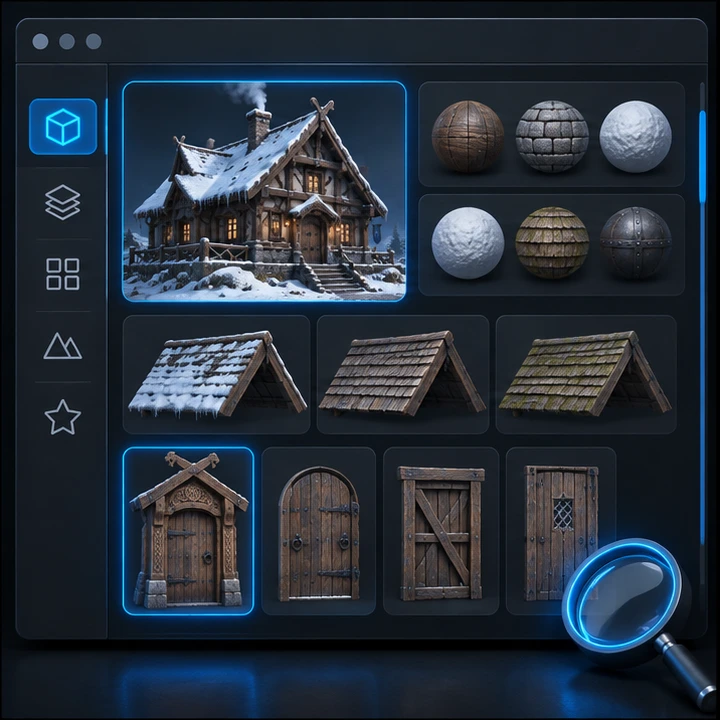
An asset can be hard to find when its source, project copy and material references live in different places. KitsHub is the library and discovery stage of the workflow.
Understand the workflow
Connect your library
Start with a source folder and a separate Unreal test project.
- Interaction
- Identify the library location and record which assets are external sources versus project content.
- Expected result
- A clear source directory you can find again.
Explore core features
Concept lessons. Feature availability depends on the verified product build.
Central asset library
A clear source directory you can find again.
Smart search & filtering
A short list of components that fit the opening.
Categories & collections
Related pieces can be found without searching through unrelated folders.
Asset preview
A short list of components that fit the opening.
Project integration
A project-ready instance with dependencies accounted for.
Shared library management
A reusable library entry and a traceable scene instance.
Learning journey
Getting started
- Install your first KitsZone toolAvailable · Sample guide
Essential tools
- Organize a large asset libraryAvailable · Sample guide
- Check a modular doorway fitAvailable · Sample guide
Practical workflows
- Build your first sceneAvailable · Sample guide
Advanced techniques
Planned lessons
Planned lessons
- Set up a shared library
- Prepare modular assets for KitsArch
Real-world use cases
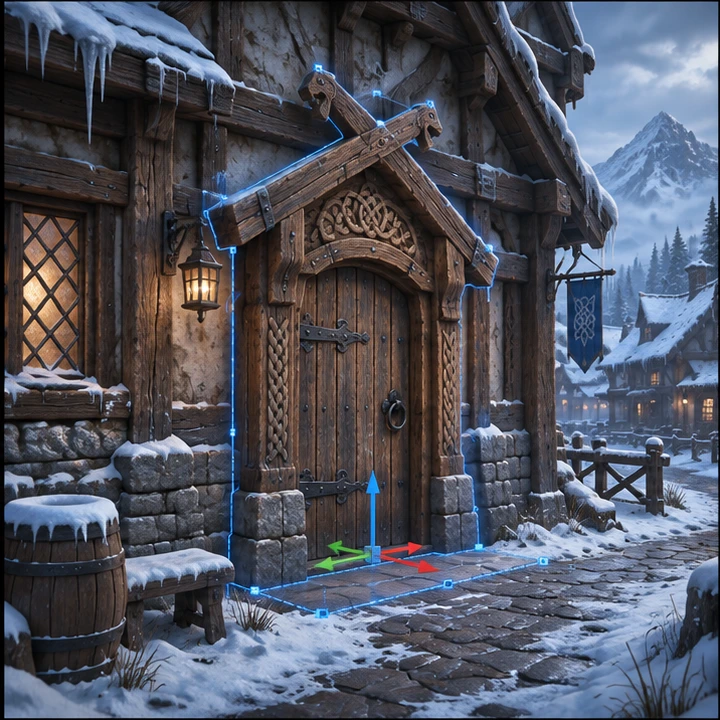
Winter village doorway
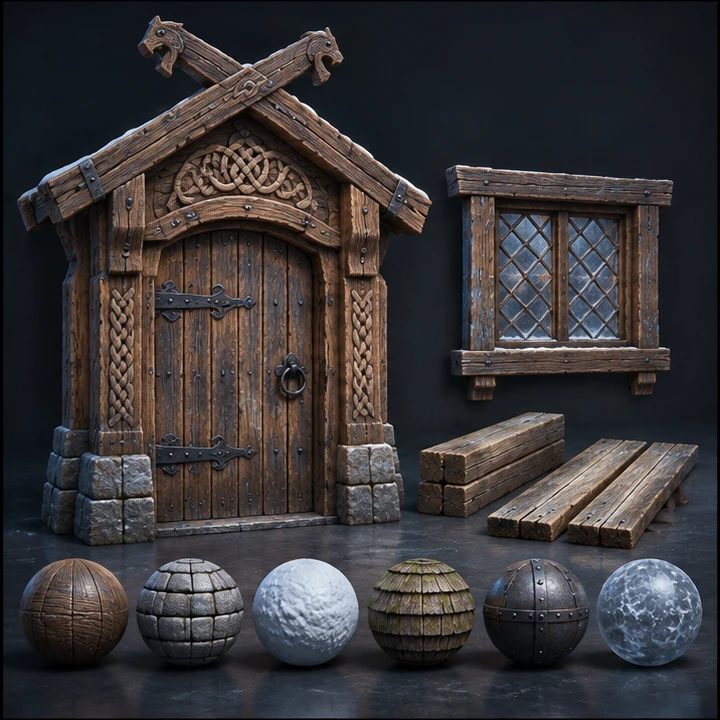
Find a matching timber door, check its dimensions, then place it in an authored wall bay.
Shared project reference
Organize roof, door and timber swatches together so artists can find companion assets from either project.
Works better together
KitsArch
Pass compatible architectural modules and their material references to the building workflow.
PKitsPath
Find road, fence or boundary pieces before assigning them along a route.
LKitsLand
Find authored vegetation and natural props before scenery placement.
FKitsFlow
Hand off a chosen placeable asset for viewport placement and alignment.