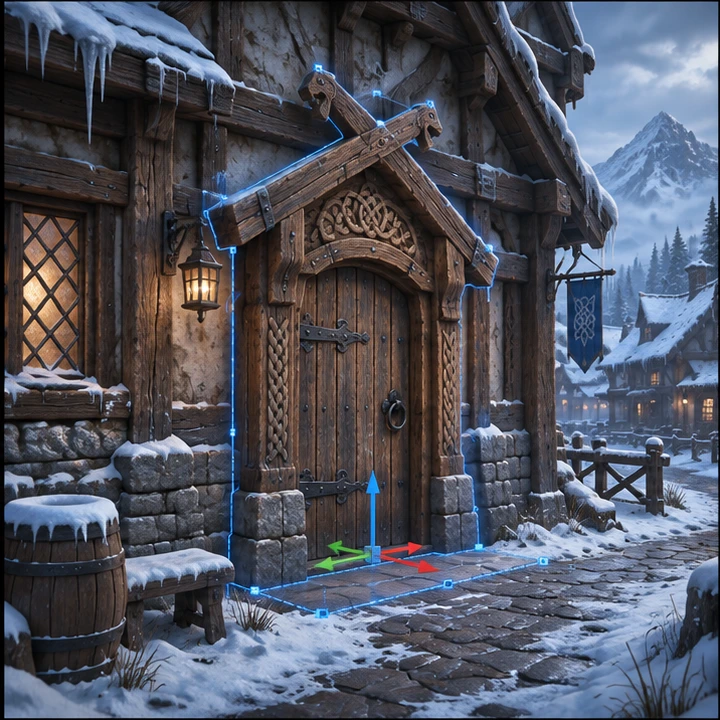
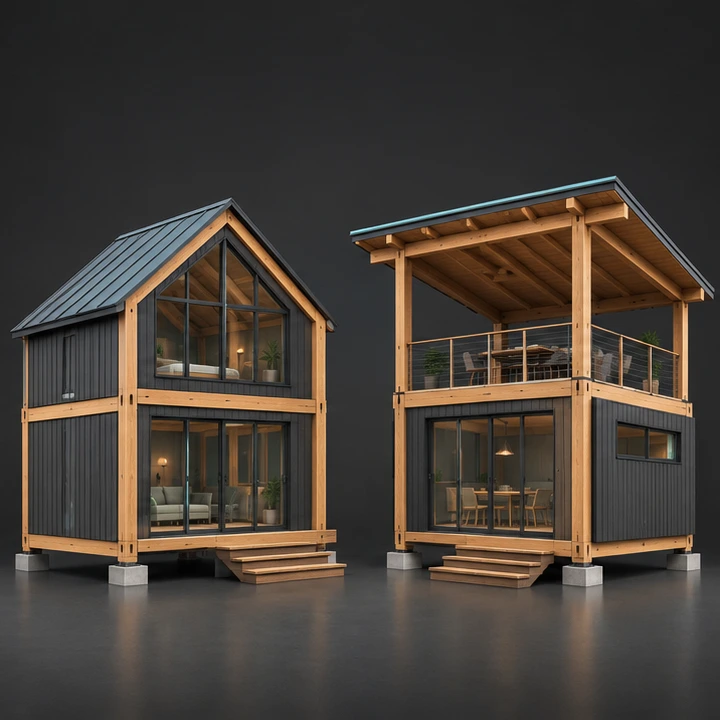
Scene build
Stay in the Viewport. Stay in Flow.
Select, transform, place, and repeat assets through fast, direct scene-editing workflows.
Frequent placement and alignment edits can interrupt blockout. KitsFlow focuses on existing actors and direct viewport manipulation, while KitsPath and KitsArch handle specialized layouts.
Illustrated workflow concept · Availability, compatibility and Fab listing awaiting verification
What you can create
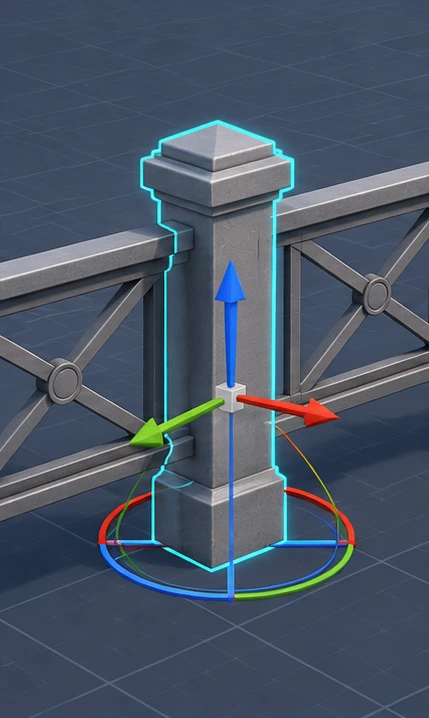
Aligned props
Adjust a selected actor against nearby geometry.
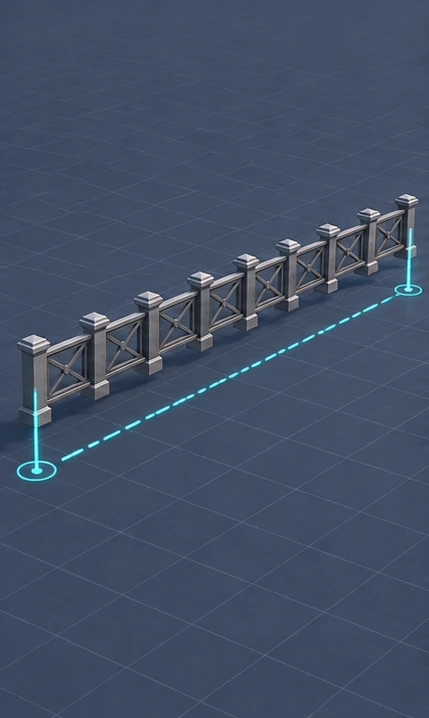
Repeatable fence run
Preview spacing and count before confirming a repeated arrangement.
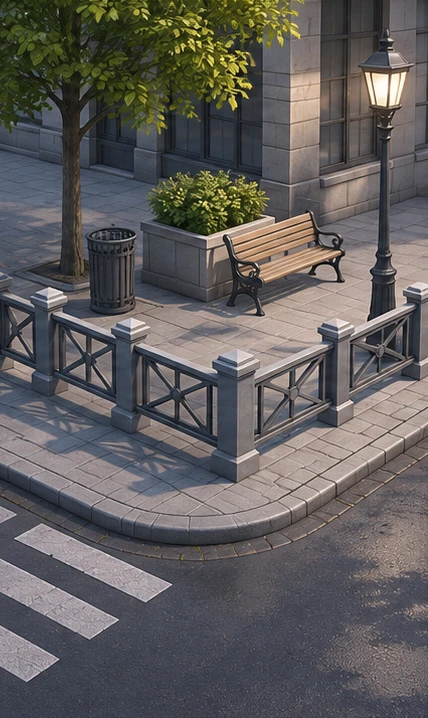
Organized street corner
Keep the editing pass focused on the level viewport.
How it works
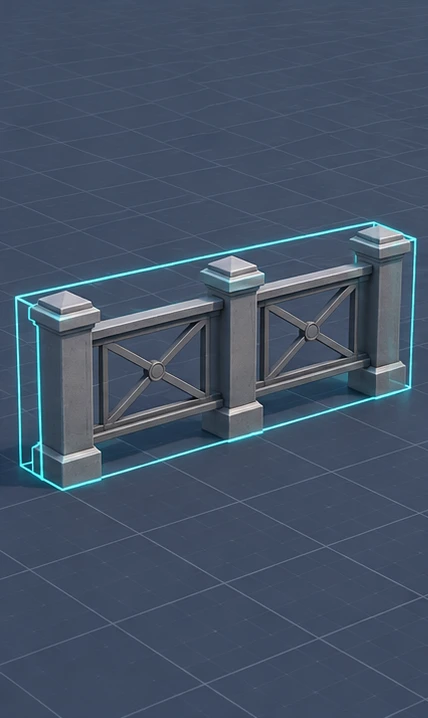
Select scene objects
- Input
- Work with an actor or group already in the level.
- Interaction
- Select one post, then a short group. Inspect the selection bounds and compare contextual controls with Unreal’s native selection.
- Expected result
- A clear set of actors to edit together.
Explore key features
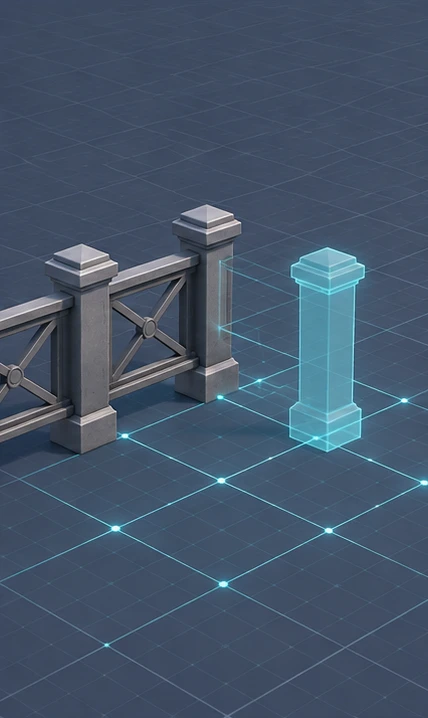
Compare a placement and its array
Single source actorArray previewEndpoints Set the usable run.
Spacing Sets the gap between instances.
Count Sets the number of instances in the arrangement.
Concept study. Check supported array controls and editability in the installed build.