Asset library
Every Asset. One Creative Hub.
Search, organize, and access your creative assets directly inside Unreal Engine.
An asset can be hard to find when its source, project copy and material references live in different places. KitsHub is the library and discovery stage of the workflow.
Illustrated workflow concept · Availability, compatibility and Fab listing awaiting verification
What you can create
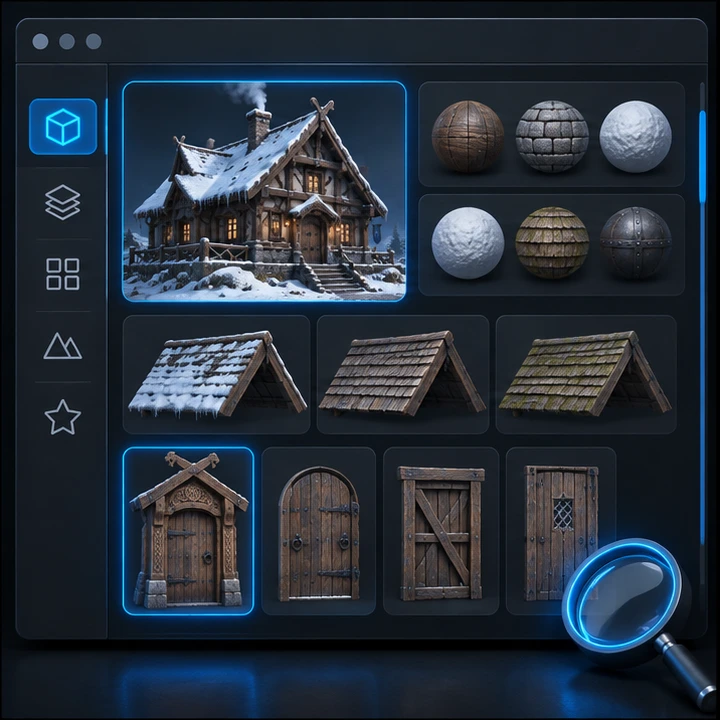
Searchable asset collection
Browse reusable kits, materials and props from a single discovery point.
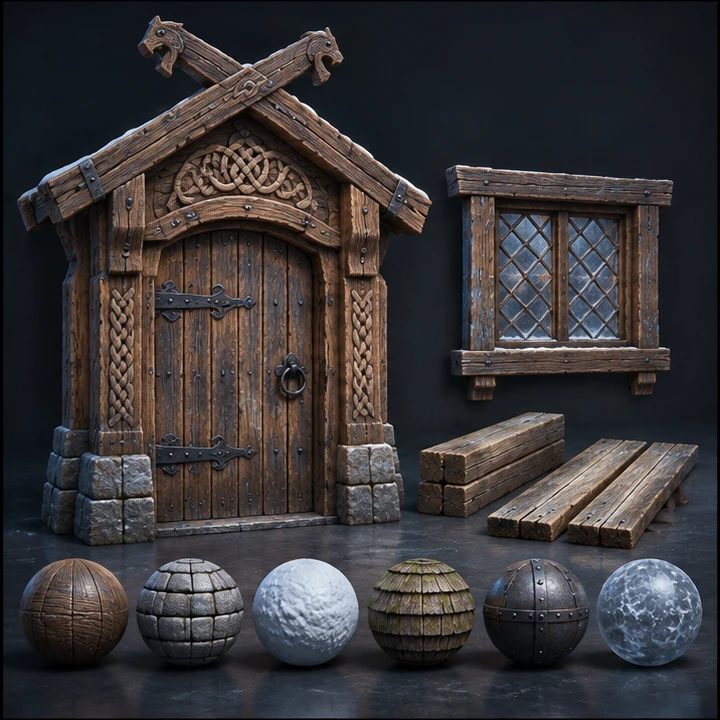
Parts ready for reuse
Keep matching architectural pieces and source materials together.
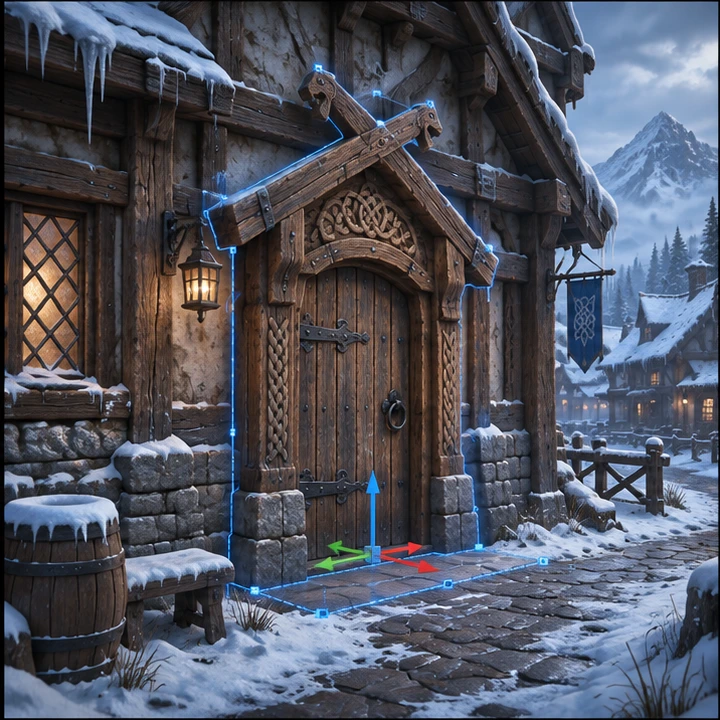
Asset placed in a level
Review the selected piece in context and check scale and dependencies.
How it works
Connect your library
- Input
- Start with a source folder and a separate Unreal test project.
- Interaction
- Identify the library location and record which assets are external sources versus project content.
- Expected result
- A clear source directory you can find again.
Explore key features
From library to level
Library
- Input
- Start with the library view.
- Interaction
- Browse assets by purpose and source.
- Expected result
- A manageable collection to explore.
Real-world use cases
Master Your Asset Library


Works better together
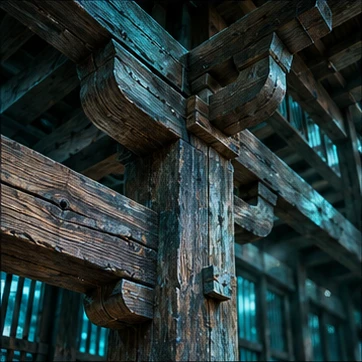
KitsArch
Pass compatible architectural modules and their material references to the building workflow.

KitsPath
Find road, fence or boundary pieces before assigning them along a route.

KitsLand
Find authored vegetation and natural props before scenery placement.

KitsFlow
Hand off a chosen placeable asset for viewport placement and alignment.