Connect the World
Draw Paths. Build Connections.
Learn to create and refine modular routes, roads, fences and connected networks.
What you’ll create
Curves and junctions break the rhythm of repeated modules. KitsPath is the route-based stage, using authored segments to connect locations in a level.
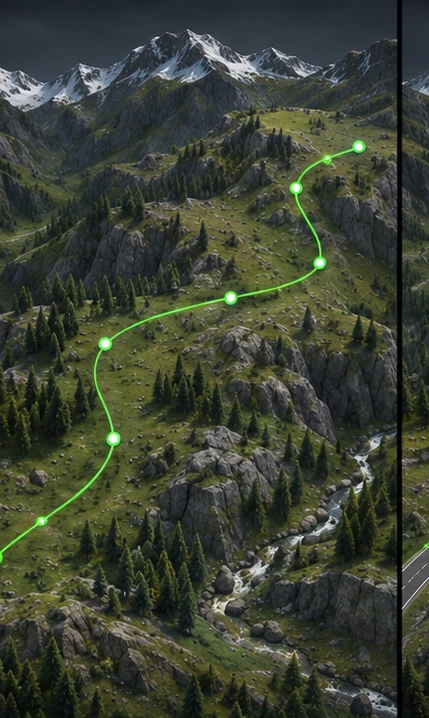
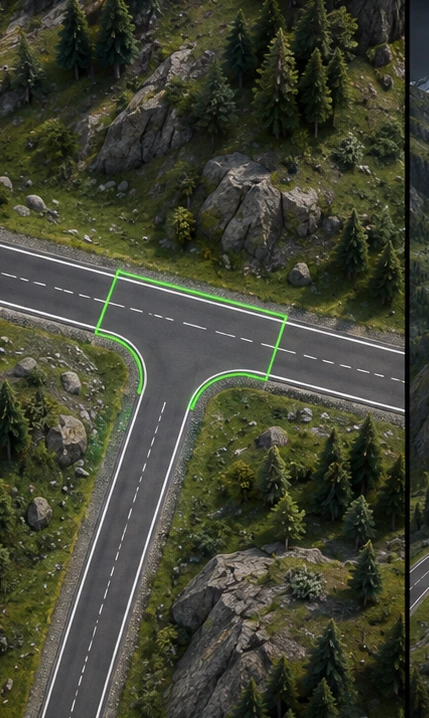

Understand the workflow
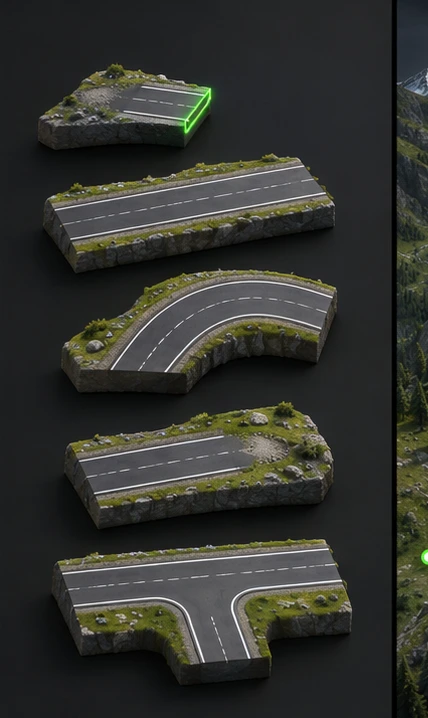
Choose a path system
Match the route to a compatible road, fence or walkway kit.
- Interaction
- Inspect start, middle, corner and end modules before drawing. Check support before attempting rail or utility systems.
- Expected result
- A set of coordinated pieces for the intended route.
Explore core features
Concept lessons. Feature availability depends on the verified product build.
Interactive path drawing
A visible route that can still be changed.
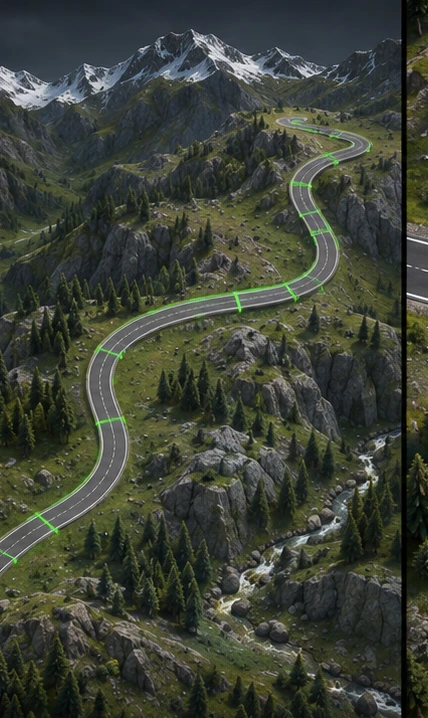
Modular segments
A continuous run with clear endpoints.
Curves & corners
A connection that fits the adjacent road pieces.
Junctions
A connection that fits the adjacent road pieces.
Spacing & distribution
A continuous run with clear endpoints.
Network editing
An editable route with smoother approaches and clearer joins.
Asset compatibility
A set of coordinated pieces for the intended route.
Terrain interaction
An editable route with smoother approaches and clearer joins.
Learning journey
Getting started
- Lay out a curving roadAvailable · Sample guide
Essential tools
Planned lessons
Practical workflows
- Create a modular streetAvailable · Sample guide
- Shape a forest river valleyAvailable · Sample guide
Advanced techniques
Planned lessons
Planned lessons
- Build a fence along a curve
- Resolve closed loops and road intersections
Real-world use cases
Mountain switchback
Trace elevation changes, place segments and check the curve and rail spacing from the approach.
Village junction
Connect entrances with a branch path, then fit an authored junction piece to the crossing.