Set the Atmosphere
One Scene. Endless Atmospheres.
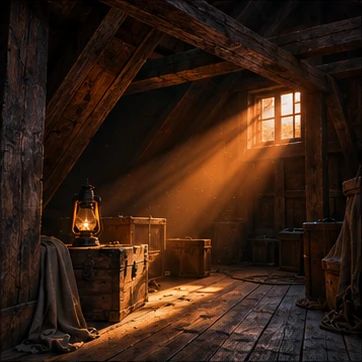
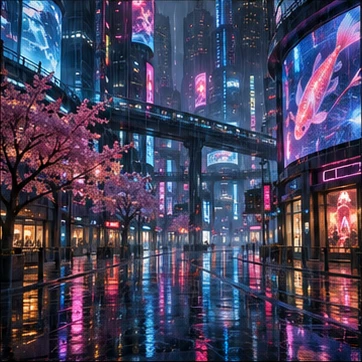
Learn to shape the look and feeling of an Unreal scene through light, fog and color.
What you’ll create
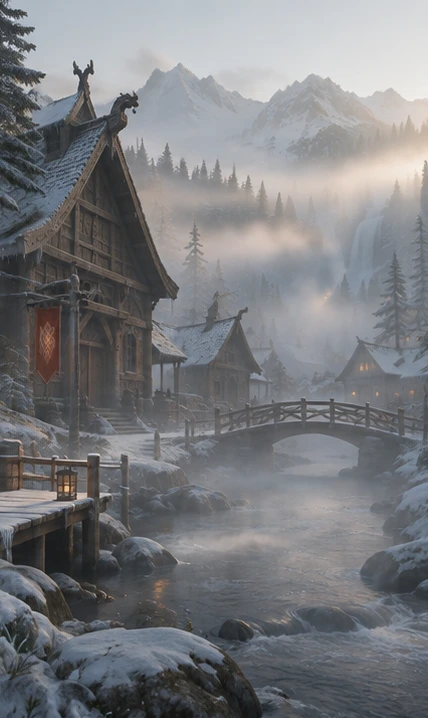
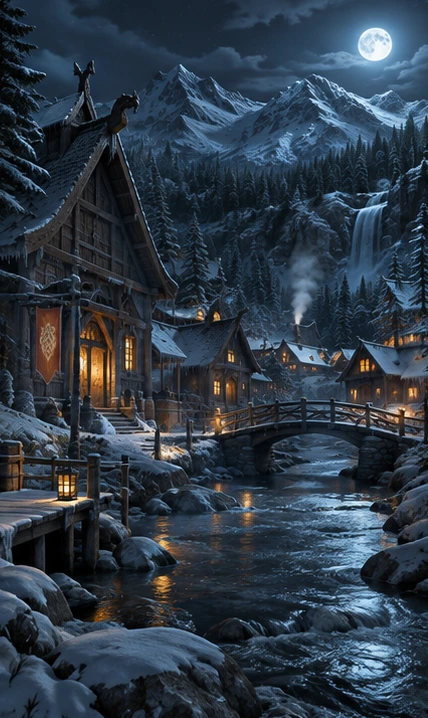
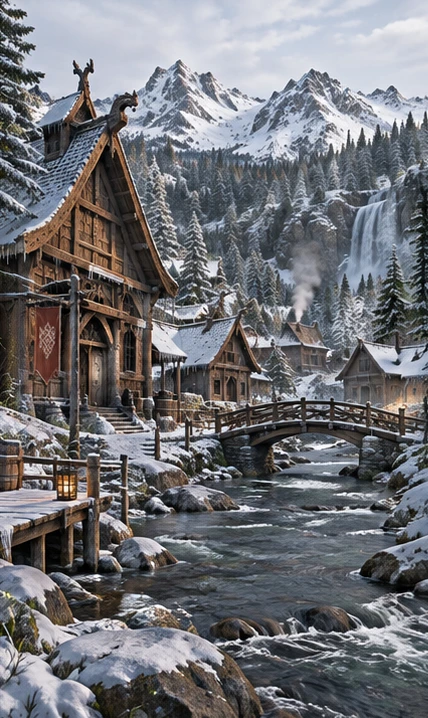
A scene can feel entirely different under another lighting state. KitsMood teaches visual direction using comparable compositions, leaving presentation and camera flow to KitsView.
Understand the workflow
Prepare a baseline scene
Start from an assembled environment and a fixed review camera.
- Interaction
- Record the neutral view before applying a visual treatment.
- Expected result
- A reference frame for comparing later changes.
Explore core features
Concept lessons. Feature availability depends on the verified product build.
Mood presets
A defined visual target for the next pass.
Lighting states
A coherent atmosphere with controlled foreground and background contrast.
Atmosphere controls
A coherent atmosphere with controlled foreground and background contrast.
Time-of-day looks
A defined visual target for the next pass.
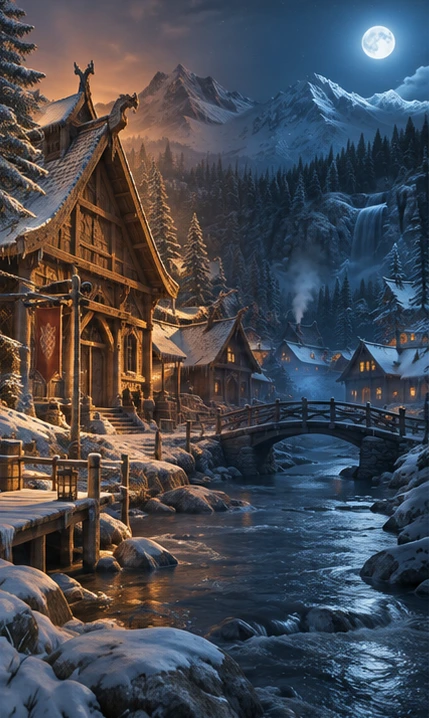
Visual comparisons
A chosen treatment based on readability and tone.
Color & tone
A chosen treatment based on readability and tone.
Reusable look profiles
A reviewable visual state for the presentation workflow.
Learning journey
Getting started
- Compare daylight and duskAvailable · Sample guide
Essential tools
Planned lessons
Practical workflows
- Shape a forest river valleyAvailable · Sample guide
Advanced techniques
- Create a complete valley sceneAvailable · Sample guide
Planned lessons
- Build a foggy morning scene
- Match art direction across two scenes
Related learning paths
Real-world use cases
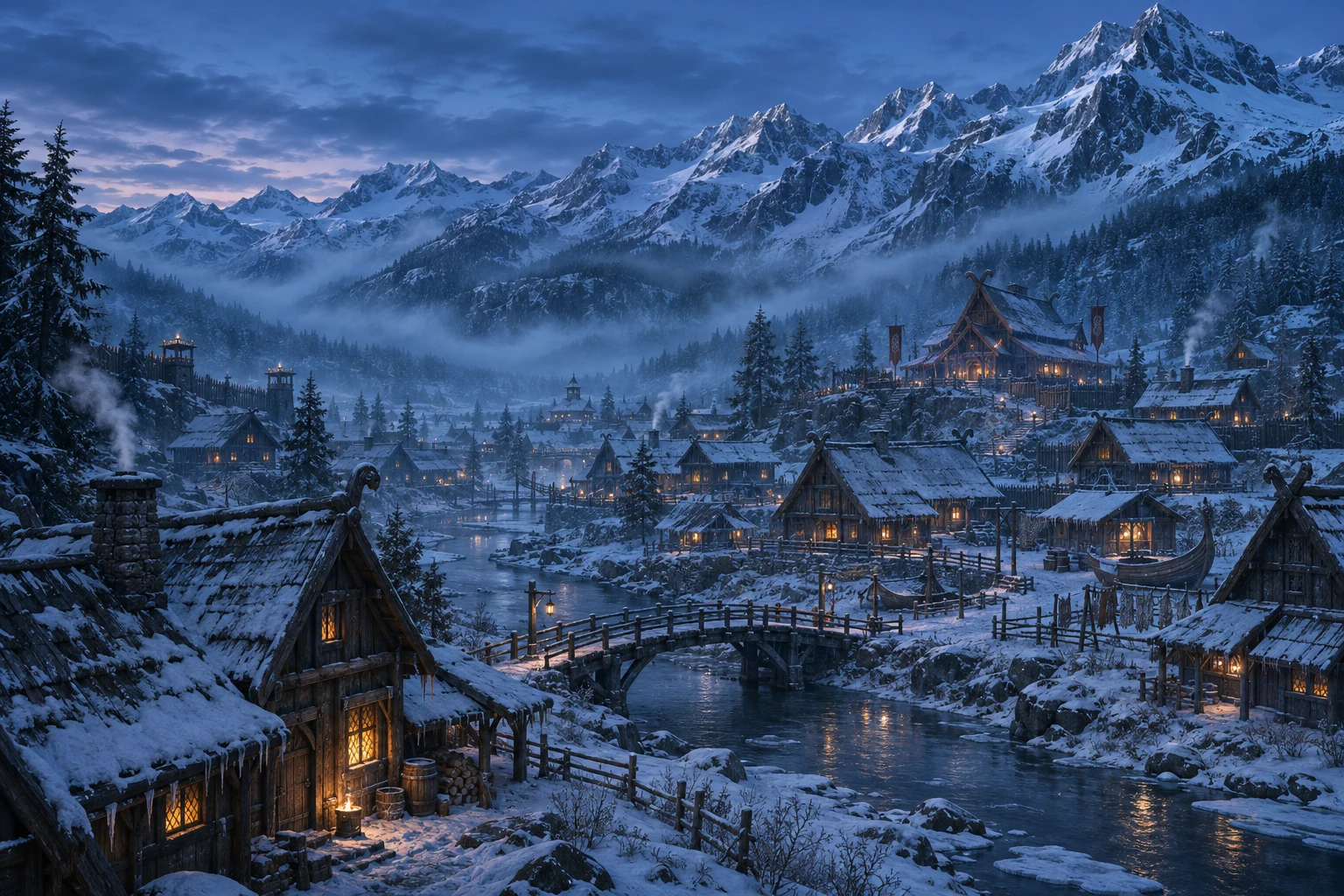
Nordic village at dusk
Compare late sun and cool moonlight with the same camera and choose the stronger silhouette.
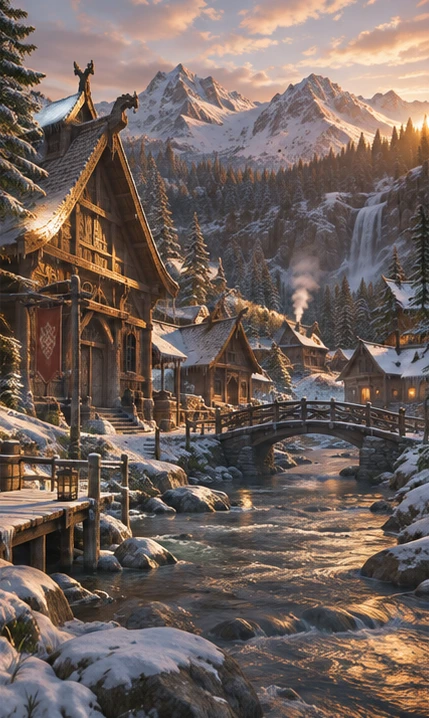
River fog at dawn
Use low haze for depth while preserving enough contrast to read the nearest buildings.